Les Tilka
Do For 1




















Yes. DonorDock can replace Mailchimp or Constant Contact for nonprofit email marketing, with a built-in drag-and-drop email builder, bulk sending, list segmentation, and drip campaign automations. Because your email tool lives inside your CRM, you can personalize every message using donor data like giving history, tags, and custom fields—something standalone email platforms can't do. Learn more about DonorDock's email features.
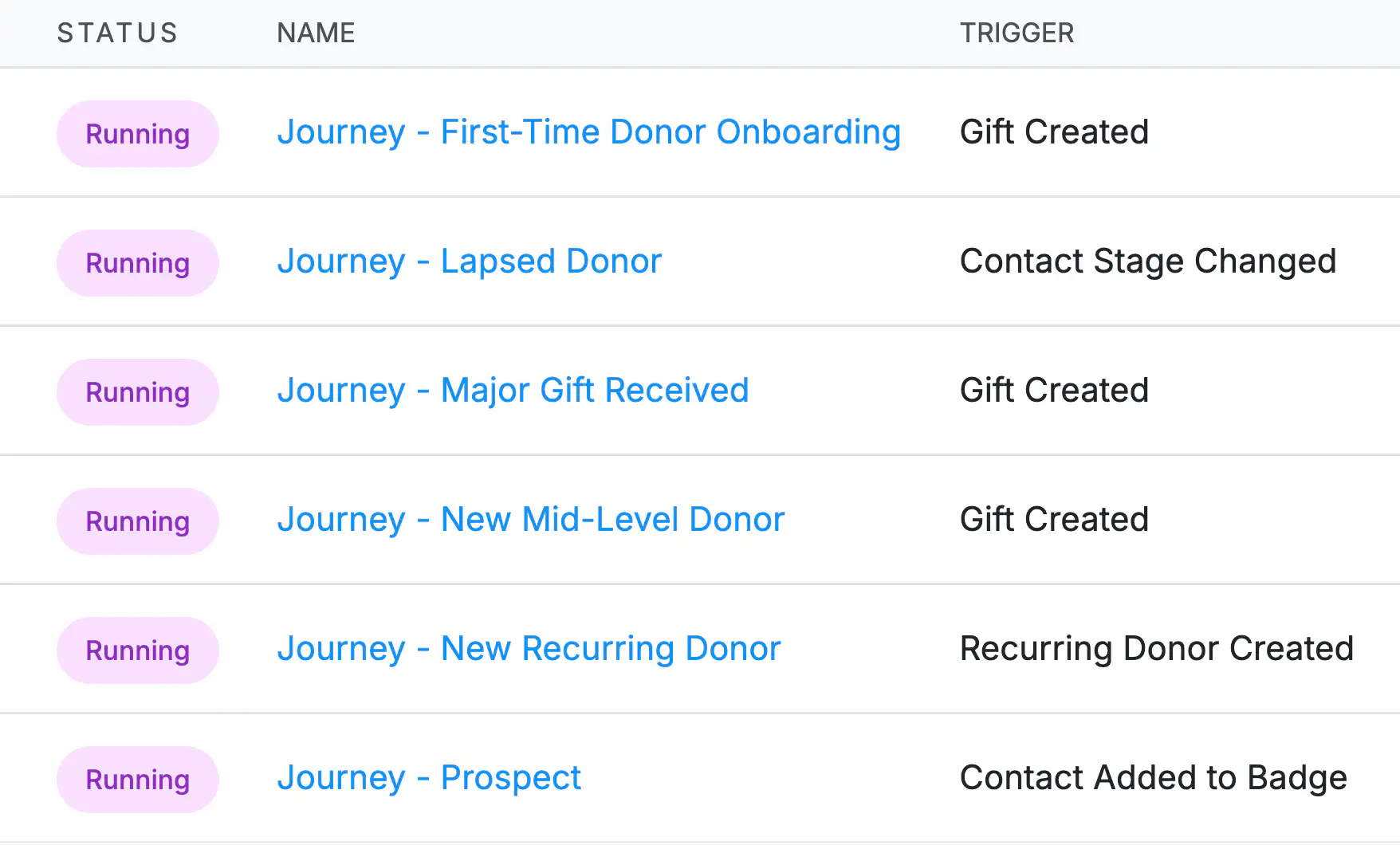
Yes. DonorDock's workflows let you set up multi-step outreach like welcome journeys, nurture sequences, or stewardship campaigns automatically. Add in tasks for personal follow-up, tag donors by engagement level, move donors between segments, and more—all in the same sequence. No need to juggle multiple tools.
Absolutely. Use merge tags to insert donor names, gift amounts, custom fields, and other personalized content directly into emails sent in bulk. This is the big advantage of having email built into your CRM—a separate email tool can't personalize like this without leaving your database.
Yes. send individual emails, newsletters, appeals, and stewardship messages directly from DonorDock without logging into a separate platform. Use the easy drag-and-drop email builder, set up automated drip campaigns, and use merge tags to personalize every message with data from your CRM. Everything you need is in one place.
Yes. DonorDock includes a full email builder with bulk sending, list segmentation, scheduling, and analytics, so you can send newsletters directly from your CRM without needing a separate tool like Mailchimp or Constant Contact.
Because email lives inside your CRM, you can personalize every message with donor data like lifetime giving amount, last donation date, tags, and custom fields. That level of personalization is something standalone email platforms can't match.
Yes. Send one-to-one texts from a contact record or bulk texts to any list or segment, and every message is logged on the donor's timeline. Bulk texts can run up to 1,600 characters, and DonorDock estimates the credits a send will use, including the text your merge tags generate, so there are no surprises. Replies come back into DonorDock, and if a message does not deliver you will see the reason right on the activity.
Yes! Emails can be triggered by new donations, first-time gifts, recurring gifts, or specific tags and events.
Yes! You can see open rates, click rates, conversion rates, bounces, and unsubscribes for every email you send and compare emails to each other to see which worked best. Donors who unsubscribe can leave a comment explaining why, and you will find those reasons on the Unsubscribe Report.
Yes. DonorDock includes templates for appeals, donor updates, thank-you emails, newsletters, and event communications. With our Stewardship Journeys feature, you can also use Otto (our AI assistant) to help draft emails that fit your organization's voice and personalize them for each journey step.
DonorDock includes a set amount of monthly emails, and you can purchase additional emails directly inside the app whenever your volume changes. No plan changes or upgrades required. Whether your email volume spikes for a year-end campaign or grows steadily over time, you can add more emails on demand and only pay for what you use beyond what's included.