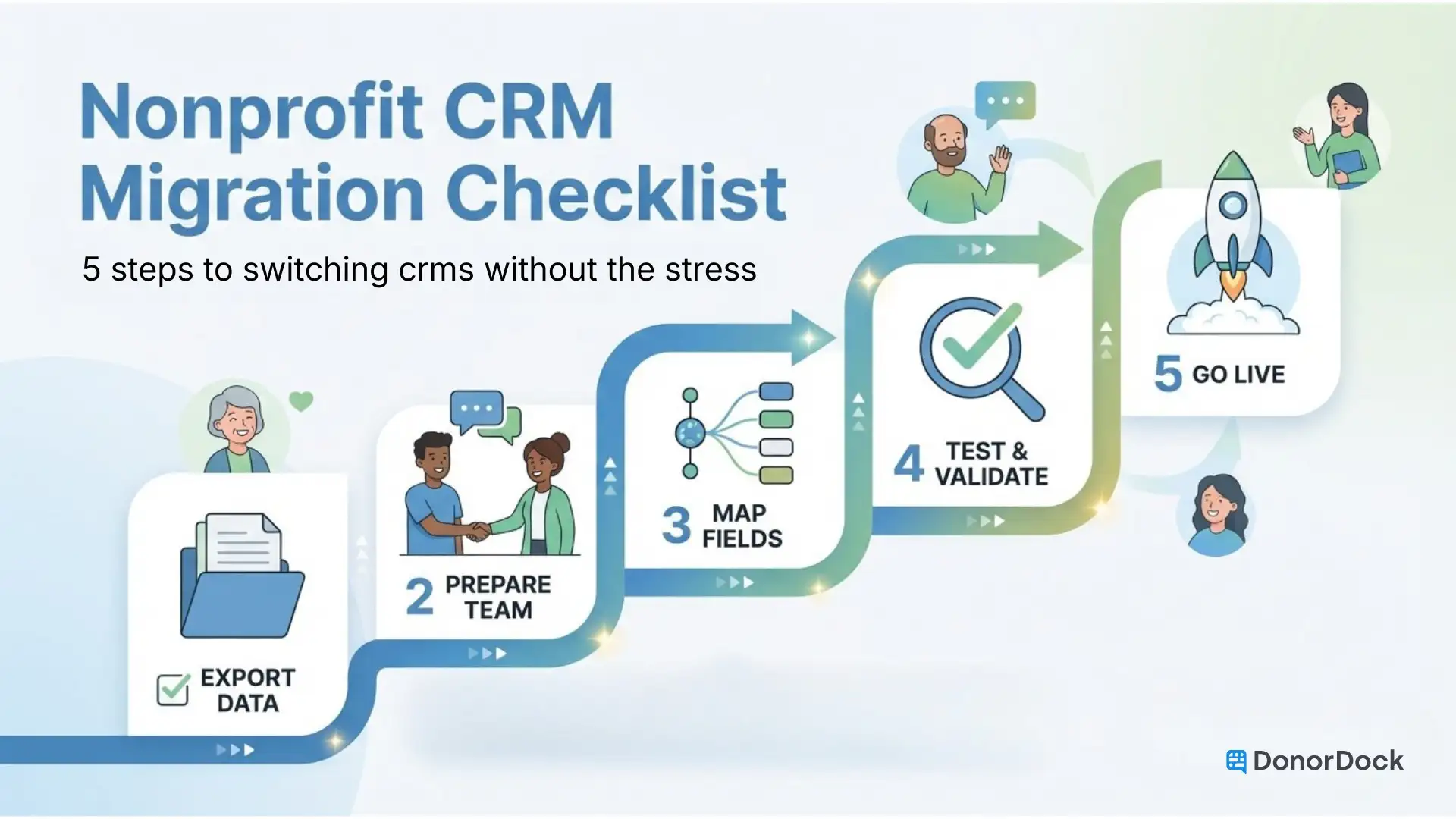
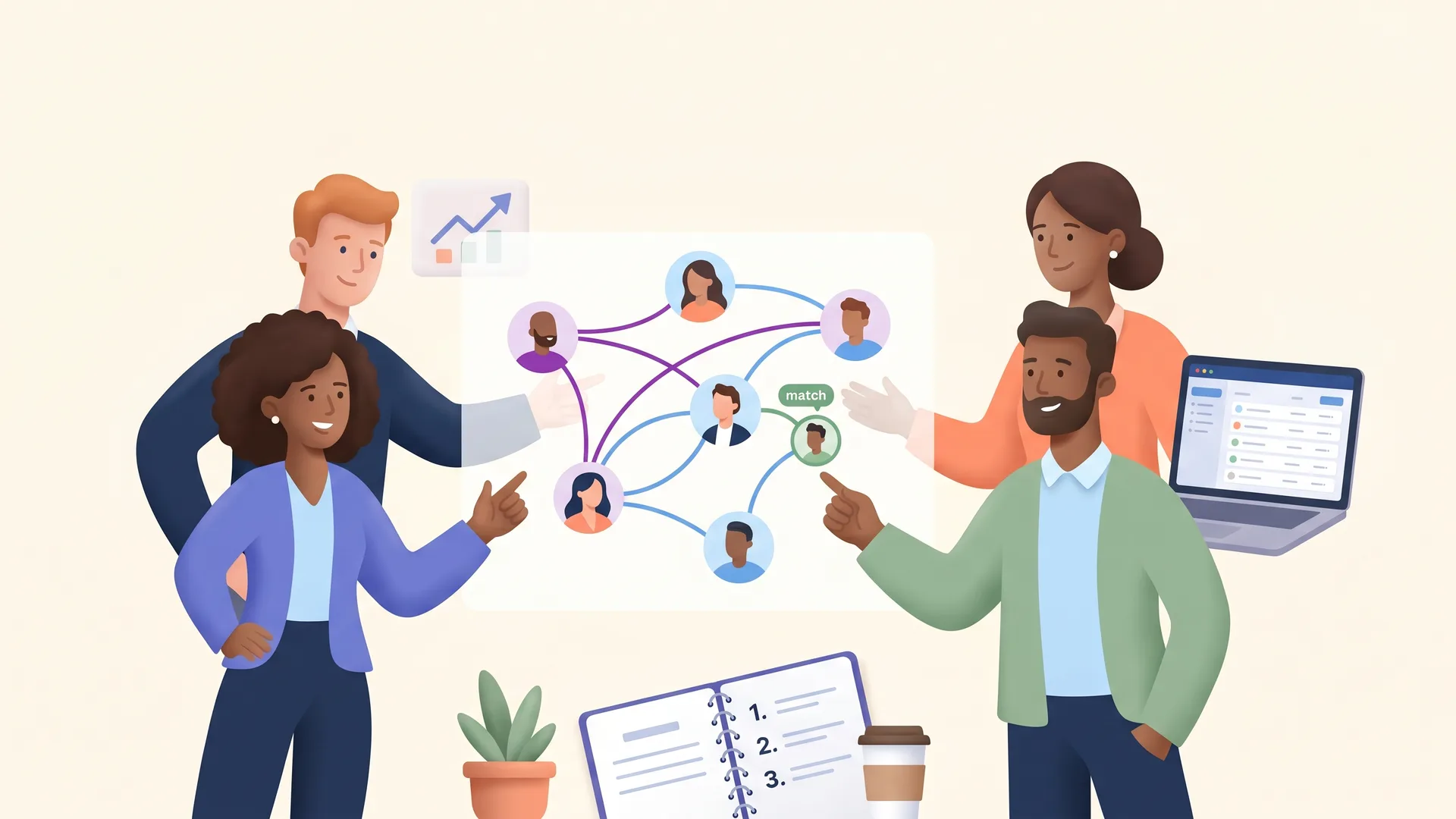
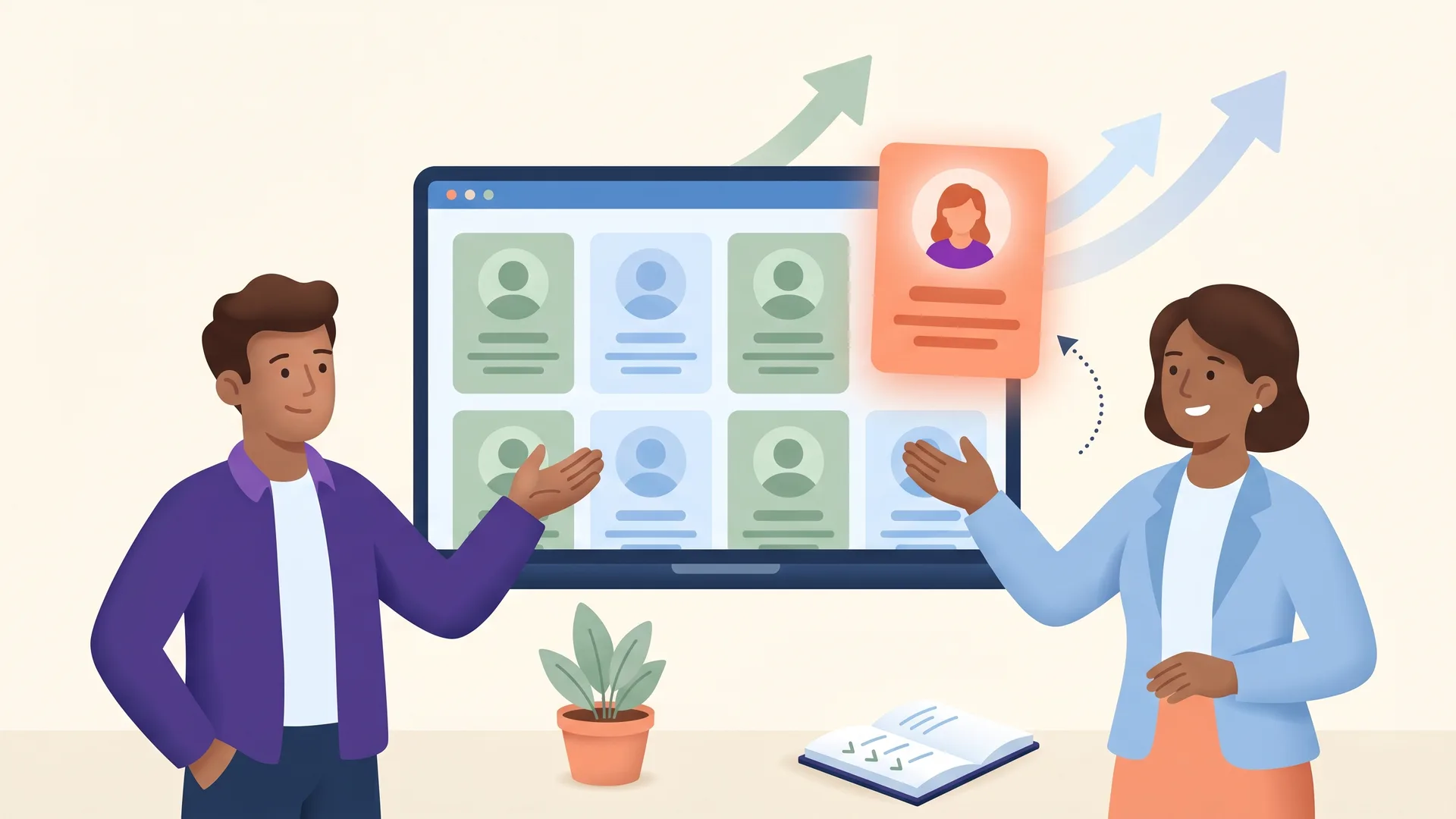
No more duplicated effort or missed follow-ups. DonorDock gives every team member shared visibility into donor relationships, tasks, and communication history.
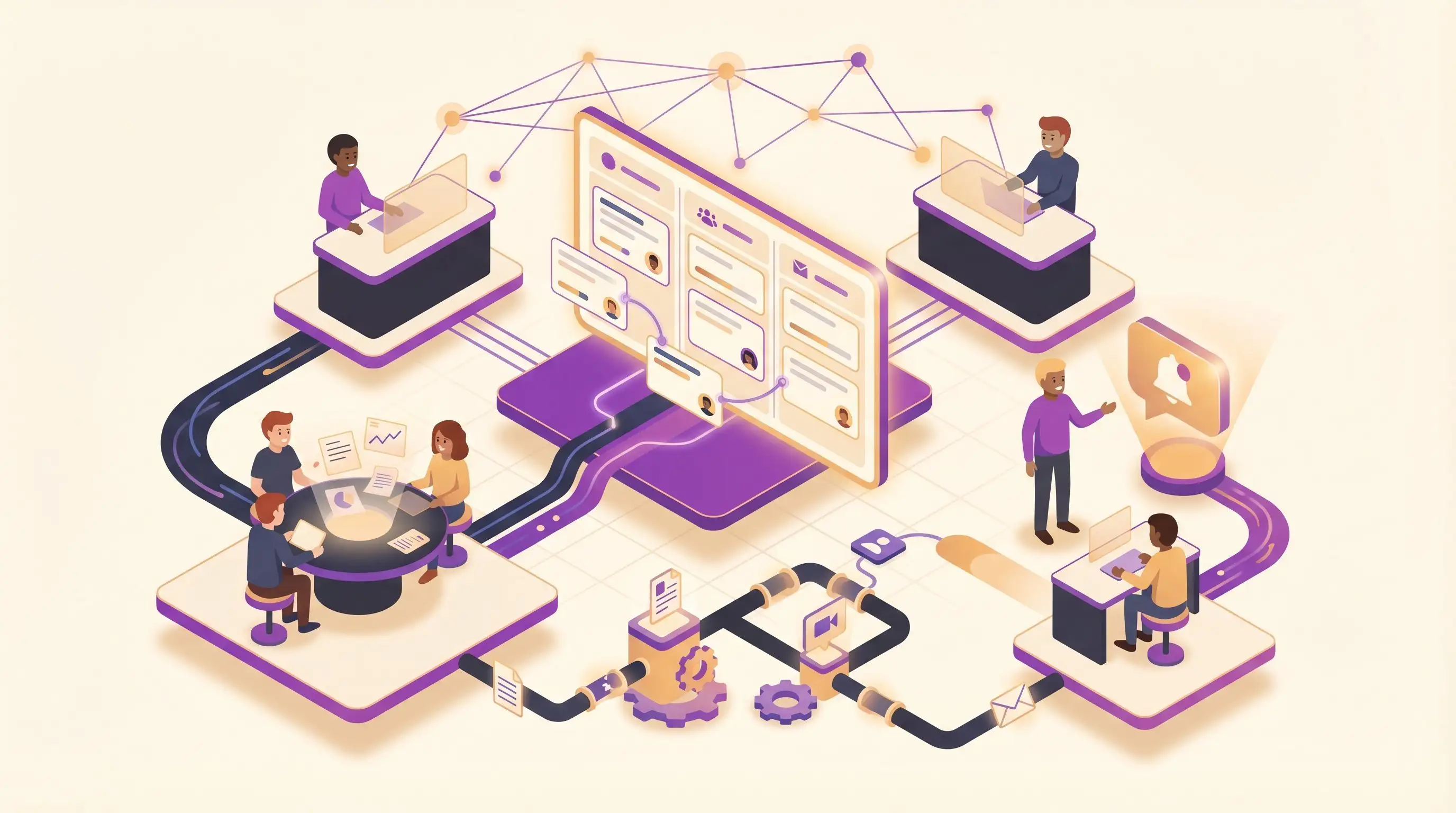
Duplicated outreach, missed handoffs, and conflicting information erode donor trust. A shared system fixes all of it.













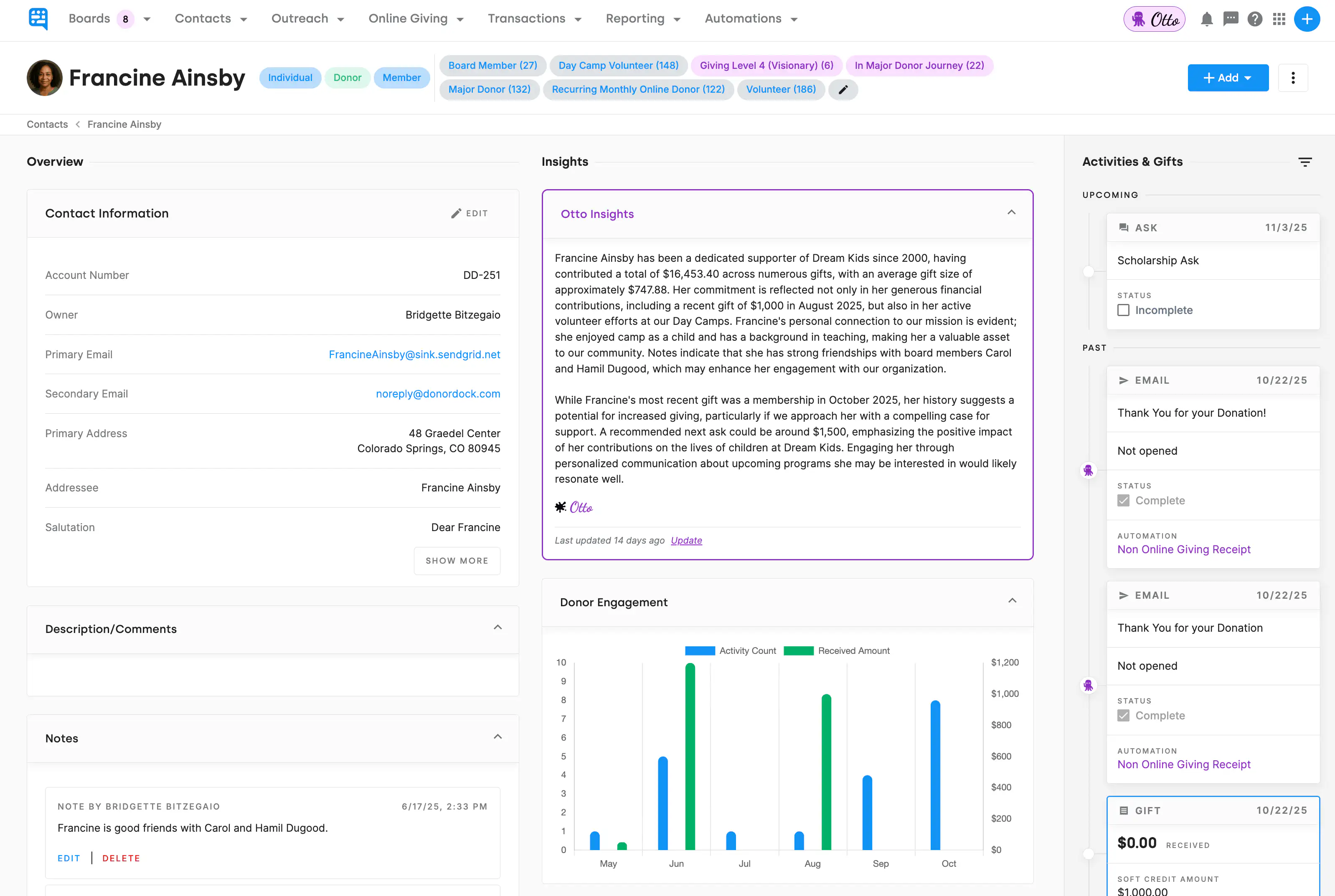
Every team member accesses the same up-to-date donor profiles with complete giving history, notes, tasks, and communication logs. No more asking who talked to whom.
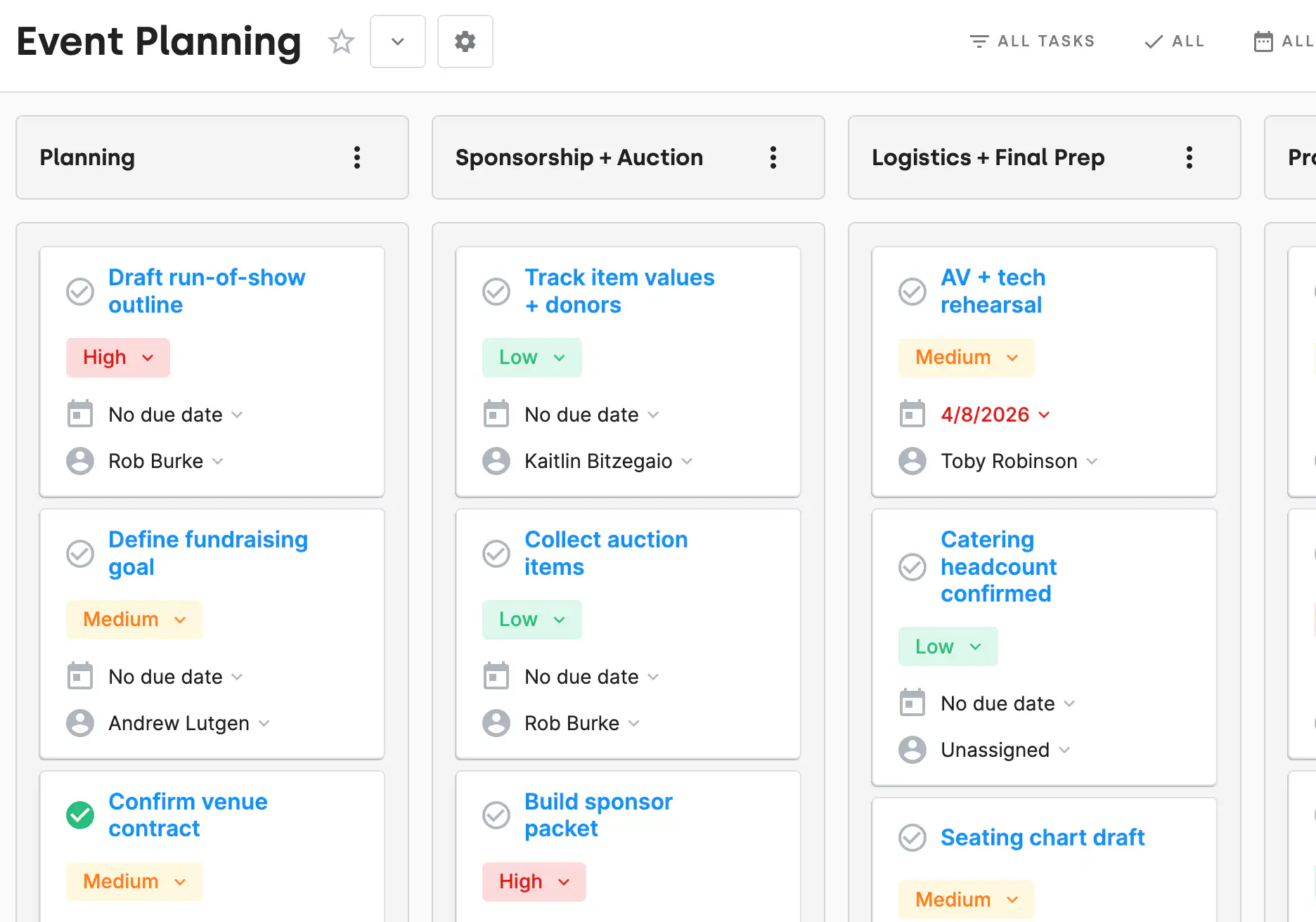
Create tasks for follow-ups, thank-you calls, or meeting prep. Assign them to team members with due dates and priority.
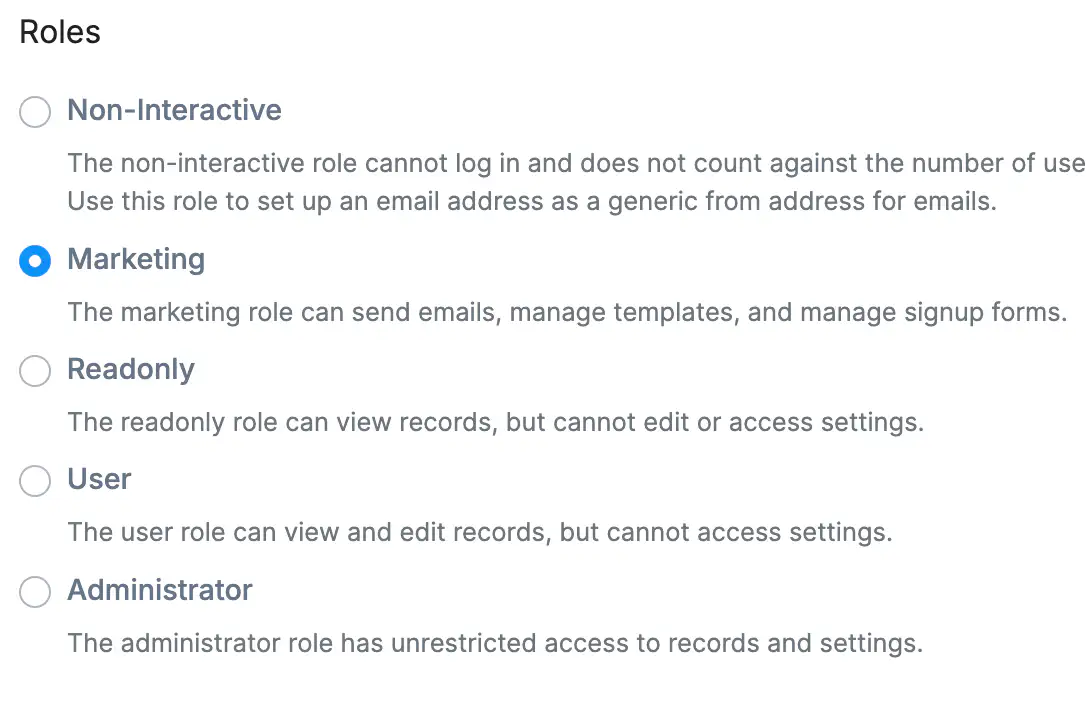
Control who can see, edit, or manage donor data with flexible permission settings. Keep sensitive information secure while empowering your whole team.

Southwest West Central Service Cooperative (SWWC) faced challenges with complex donor management systems. By switching from Salesforce to DonorDock, they streamlined operations, eliminated data silos, and grew their donor base with ease. With user-friendly tools and exceptional support, DonorDock became the perfect fit for their small nonprofit.



.webp)




















Yes! You can assign tasks to anyone on your team and track progress, due dates, and completion.
Project boards can be shared across the team, and permissions control what users can access inside each workspace.
Yes. Create restricted user accounts for volunteers and board members so they see only the data and tools they need. You stay in control of permissions and can adjust access anytime.
Go to Settings, select Users, enter the person's email address, and assign a role such as Administrator, Staff, or Limited Access. Permissions control what each user can view or edit, so you can give team members, board members, or volunteers exactly the level of access they need.
Yes. Multiple team members can use the same DonorDock account with individual logins, assigned roles, and permission controls to keep data secure. Invite team members, assign roles like Administrator, Staff, or Limited Access, and control exactly what each person can view or edit.